
Skip to content
U9play
Login Register
  • Home
  • App
  • Register
  • Login
  • Casino
  • Slot
  • Sports
  • Promotion
  • Lottery
  • Status

Register

The form and H5 lobby are hosted by the U9play partner. Check the host before entering details: u9today2.com. If the frame does not load, open it in a new tab.

Open in New Tab

Register in a few steps

  1. Open the registration form on this page, or tap the registration link if the form does not load.
  2. Read U9play's age, location and account terms before you continue.
  3. Check that the address in your browser bar matches the form you meant to open. Fill in only the details it asks for, and set a unique password.
  4. Confirm your OTP or complete the verification step on the same page.
  5. Save your login details somewhere safe. Never send your password or OTP to anyone.

Referral code

Scan the QR Code to Register

This QR code carries referral code 29A81C. which may earn us a commission at no extra cost to you. Scan it and check that the address it opens matches the registration form you meant to open.

Open Registration Link
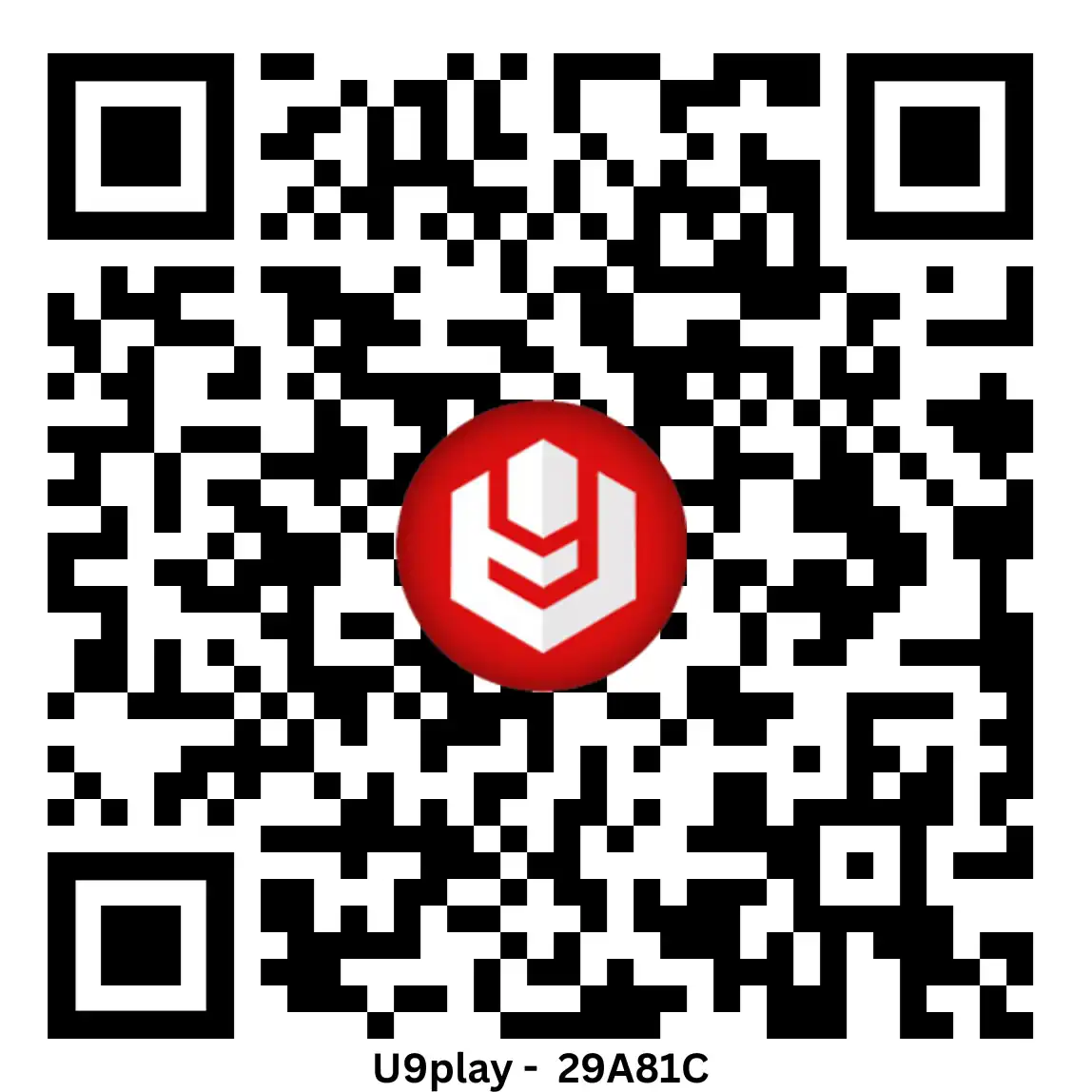
U9play referral QR code with code 29A81C

What You Need Before You Start

Account name

Pick a name that is allowed on the form, and keep it private.

Strong password

Use a password you have never used for your email or other accounts.

Phone verification

Type your number only on the registration form, and request your OTP from that same page.

Local requirements

Age limits, eligibility and access rules depend on where you live. Read U9play's terms and your local law.

OTP not arriving?

  • Check the phone number and country code you entered.
  • Check your signal and any blocked-message folder.
  • ait a little before asking for a new code. Asking again and again can cancel the earlier ones.
  • Never read out an OTP to someone claiming to be support. Type it only on the page that asked for it.
Account safety:

Your account is created and managed by U9play. We never ask for your password or OTP, so type real details only when the address in your browser bar matches the form you meant to open.

Need the app first? Visit our U9play app download page.

Register Your U9play Gaming Account in Easy Steps

Ready to join U9play? Registration takes only a few minutes, and this page walks you through every step so nothing slows you down. Keep your phone nearby, choose a strong password, and use the form on this page to get started. Everything below is written in plain language, with quick fixes for the problems players run into most often.

What You Can Do After You Register

Once your account is ready, you can use it to reach U9play’s game categories, including slots, live casino, sports, fishing and 4D/lottery games, depending on what is available where you live. Keep your login details somewhere safe, and visit our login page whenever you want to sign in again. If you prefer playing on your phone, our app download page covers the Android, iPhone and H5 options.

Register on Mobile or Desktop

The registration form works in both mobile and desktop browsers. If the form on this page does not load, open it in a new tab with the button above. On any device, read the address in your browser bar before you type a single detail.

How to Register Safely

  • We never ask for your password or OTP, and neither should anyone who says they are support.
  • The form runs on its own address, so check it matches what you meant to open.
  • Use a password you do not use anywhere else, and keep your account name private.
  • Enter your phone number only on the registration form itself.

Welcome Offers: Read the Terms First

Some offers may be available for new accounts. We do not list amounts here, because they are set by U9play and can change at any time. Before you accept an offer, check who is eligible, the minimum amount, the turnover (wagering) requirement, the expiry date and any withdrawal conditions. An offer is not free money and does not remove financial risk.

Play Responsibly

Gaming involves financial risk and is for adults aged 18 and over. Never use money you need for bills or family, do not chase losses, and take regular breaks. Please read our Responsible Gaming page before you play.

Frequently Asked Questions

Who creates and manages my U9play account?

U9play creates and manages your account. We never ask for your password or OTP.

What should I do if my OTP does not arrive?

Check the phone number and country code, your signal and any blocked-message folder. Wait a little before asking for a new code, because repeated requests can cancel the earlier ones.

Should I scan the QR code on this page?

Yes, as long as the address it opens matches the registration form you meant to open. The QR code carries a referral code that may earn us a commission.

Is there a welcome bonus?

Some offers may be available, but the amounts and terms are set by U9play and can change. Read the eligibility, minimum amount, turnover requirement and expiry date before you accept.

Can I register from my phone?

Yes, you can open the registration form in your mobile browser. Our app download page explains the Android, iPhone and H5 options.

U9play Guide U9play Malaysia

Independent for U9play access, app setup and account steps.

Need help?

For account, OTP, payment or app issues, contact support through the trusted website.

GUIDES

Download Register Login

TRUST & SAFETY

  • Independent user guide
  • 18+ only; follow local rules
  • We never ask for your password or OTP

PAYMENT INFORMATION

Maybank Affin Bank Public Bank CIMB Bank UOB Hong Leong Bank RHB Bank OCBC Alliance Bank AmBank EZPay Touch n Go USDT

These payment logos are examples from the provided reference pack. Available methods depend on the partner; confirm them on its own cashier page.

LEGAL & POLICIES

Privacy Policy Terms of Service Responsible Gaming

© 2026 U9PLAY GUIDE MALAYSIA | Independent User Guide Portal

We are not the U9play operator. Some links may be affiliate links and can earn us a commission at no extra cost to you. 18+ only.